


Before you can use GitHub Desktop or other GitHub services, you need a GitHub account. Follow these steps to create one:
1. Visit GitHub and Sign Up
- Open your web browser and go to GitHub
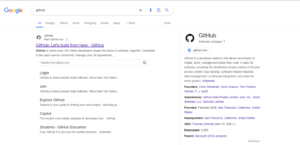 .
. - Click on the Sign up button located at the top-right corner of the homepage.

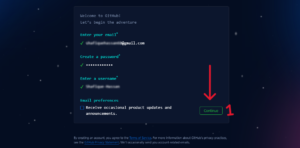
2. Fill in the Required Details
- Email: Enter your email address.
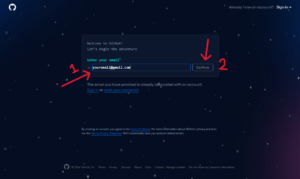
- Password: Create a strong password for your account.
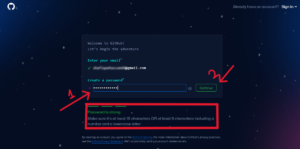
- Username: Choose a unique username for your account.
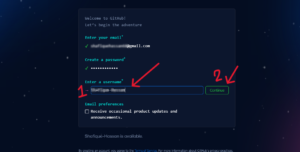
- Complete Details: Complete the details and click on Continue.
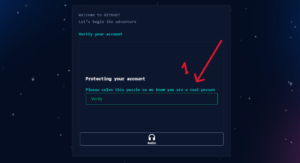
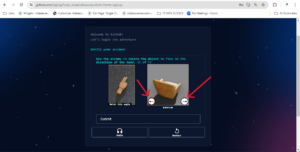
3. Complete the Verification Process
- Verify Your Account: Complete the puzzle or CAPTCHA to prove you are not a robot.
4. Verify Your Email Address
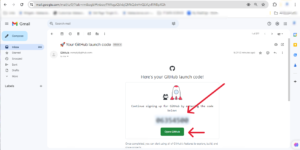
- Check Your Email: GitHub will send a verification email to the address you provided.
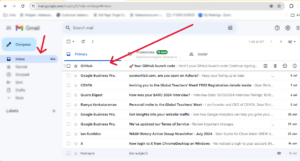
- Activate Your Account: Open the email and click on the verification link to activate your account.
5. Customize Your GitHub Profile
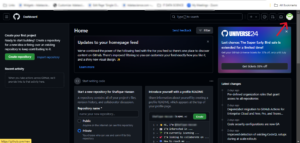
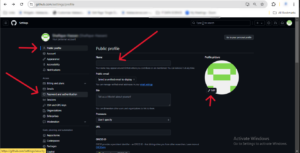
- Add a Profile Picture: Upload a profile picture to personalize your account.
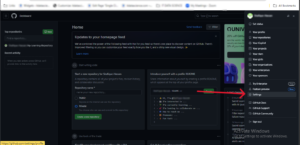
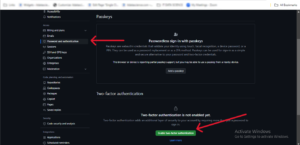
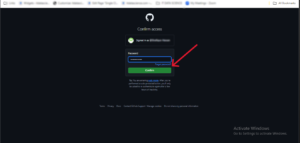
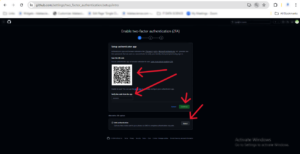
6. Set Up Two-Factor Authentication (Optional): Enhance your account security by enabling two-factor authentication.


Leave a Reply